> ## Documentation Index
> Fetch the complete documentation index at: https://docs.istudix.app/llms.txt
> Use this file to discover all available pages before exploring further.
# Sign In to iStudix and Reset a Forgotten Password
> How to sign in to iStudix with your email and password or with Google, stay signed in with Remember me, and reset your password if you forget it.
Sign in to iStudix at [www.istudix.app](https://www.istudix.app/) with the email and password you used to sign up, or with your Google account.
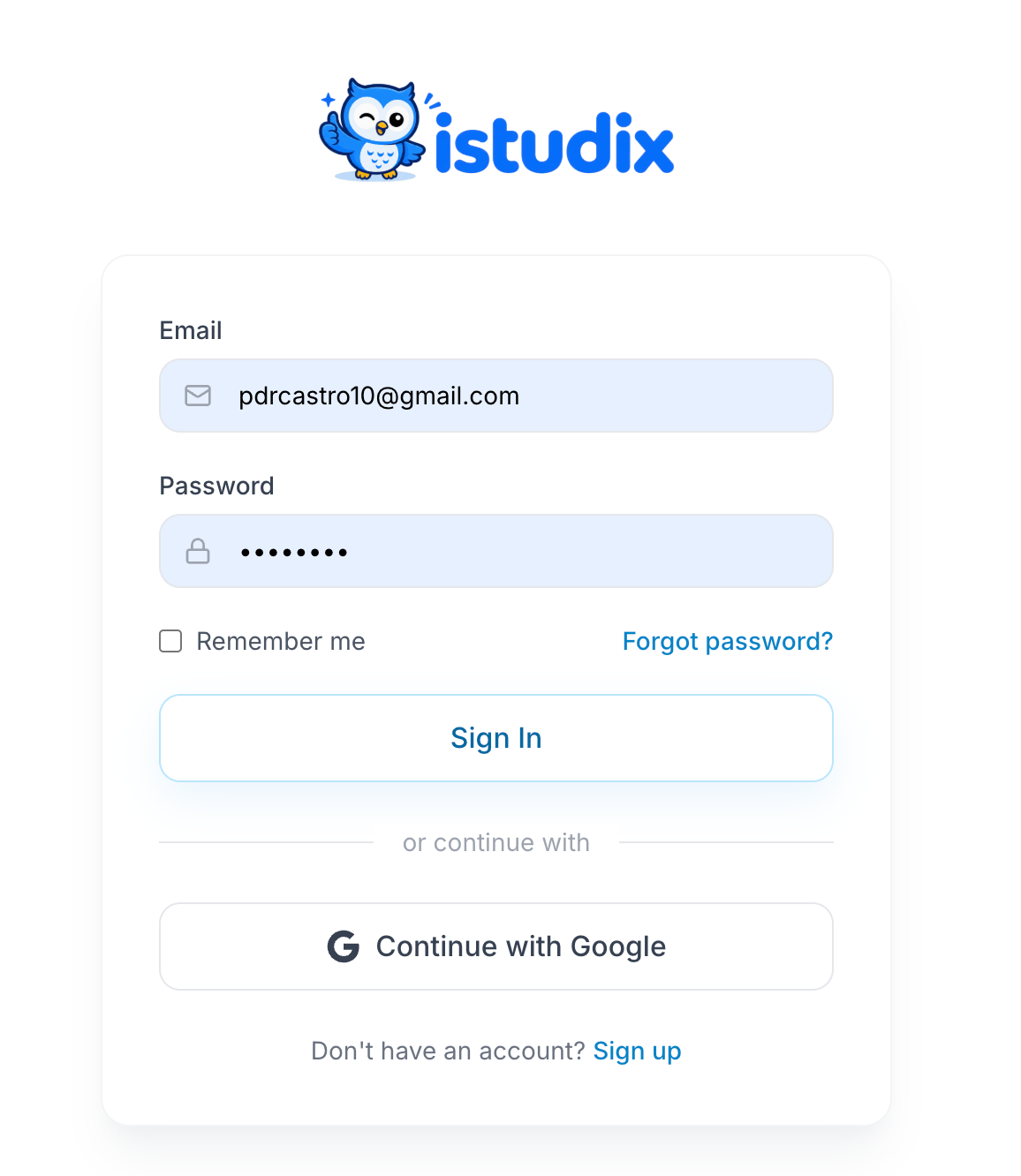 ## Sign in with email
Type your **Email** and **Password**.
Check **Remember me** to stay signed in on this device. Leave it unchecked on shared computers.
Click **Sign In**. You'll land on your [dashboard](/getting-started/dashboard).
## Sign in with Google
Click **Continue with Google** and choose your Google account.
## Forgot your password?
On the sign-in screen, click **Forgot password?** and enter your email.
Open the email from iStudix and follow the link. Check your spam folder if it doesn't arrive.
Set a new password that meets the [password requirements](/getting-started/create-account), then sign in.
## Related articles
* [Create your account](/getting-started/create-account)
* [Can't sign in?](/support/troubleshooting)
* [Manage your account settings](/account/settings)
This documentation is built and hosted on [Mintlify](https://mintlify.com), a developer documentation platform.
## Sign in with email
Type your **Email** and **Password**.
Check **Remember me** to stay signed in on this device. Leave it unchecked on shared computers.
Click **Sign In**. You'll land on your [dashboard](/getting-started/dashboard).
## Sign in with Google
Click **Continue with Google** and choose your Google account.
## Forgot your password?
On the sign-in screen, click **Forgot password?** and enter your email.
Open the email from iStudix and follow the link. Check your spam folder if it doesn't arrive.
Set a new password that meets the [password requirements](/getting-started/create-account), then sign in.
## Related articles
* [Create your account](/getting-started/create-account)
* [Can't sign in?](/support/troubleshooting)
* [Manage your account settings](/account/settings)
This documentation is built and hosted on [Mintlify](https://mintlify.com), a developer documentation platform.