To create an iStudix account, go to www.istudix.app, click Sign up, and fill in your name, email, and password. You can also sign up with your Google account.
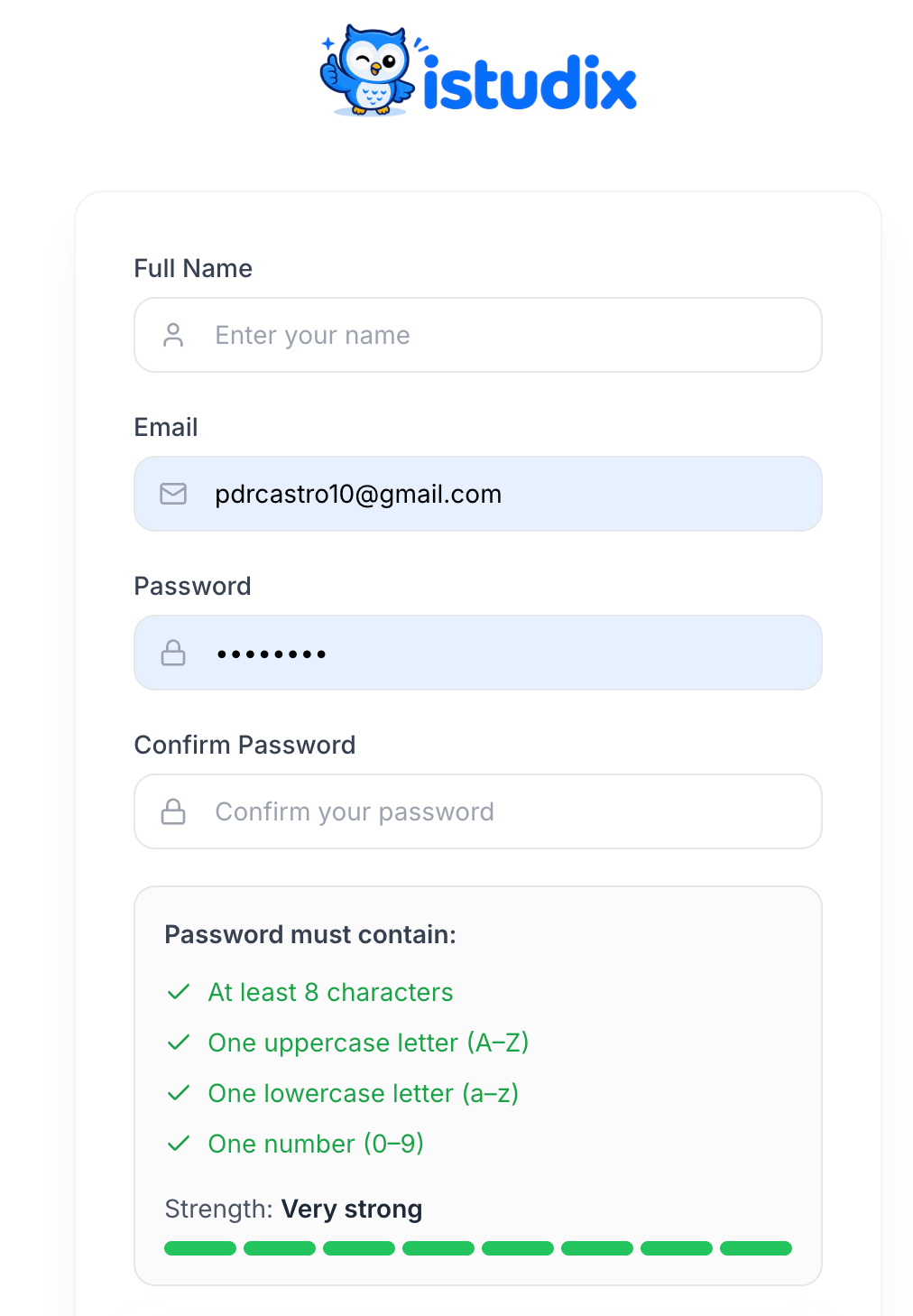
iStudix sign-up form with Full Name, Email, Password, and Confirm Password fields and the password requirements checklist
1

Open iStudix

Visit https://www.istudix.app/ in your browser.
2

Go to Sign up

On the sign-in screen, click Sign up next to “Don’t have an account?”.
3

Enter your details

Fill in Full Name, Email, Password, and Confirm Password.
4

Meet the password requirements

Your password must contain:
  • At least 8 characters
  • One uppercase letter (A–Z)
  • One lowercase letter (a–z)
  • One number (0–9)
Each requirement turns green when met, and the Strength bar shows how strong your password is.
5

Create your account

Submit the form. You’ll be taken to your dashboard.
Prefer not to manage a password? Use Continue with Google on the sign-in screen instead.
Make sure you type www.istudix.app (with www) in your browser address bar.

Joining through an invitation

If someone invited you to their organization, open the invitation link from your email. You’ll be asked to sign in or create an account, and then you’ll join the organization automatically. See Accept an invitation.