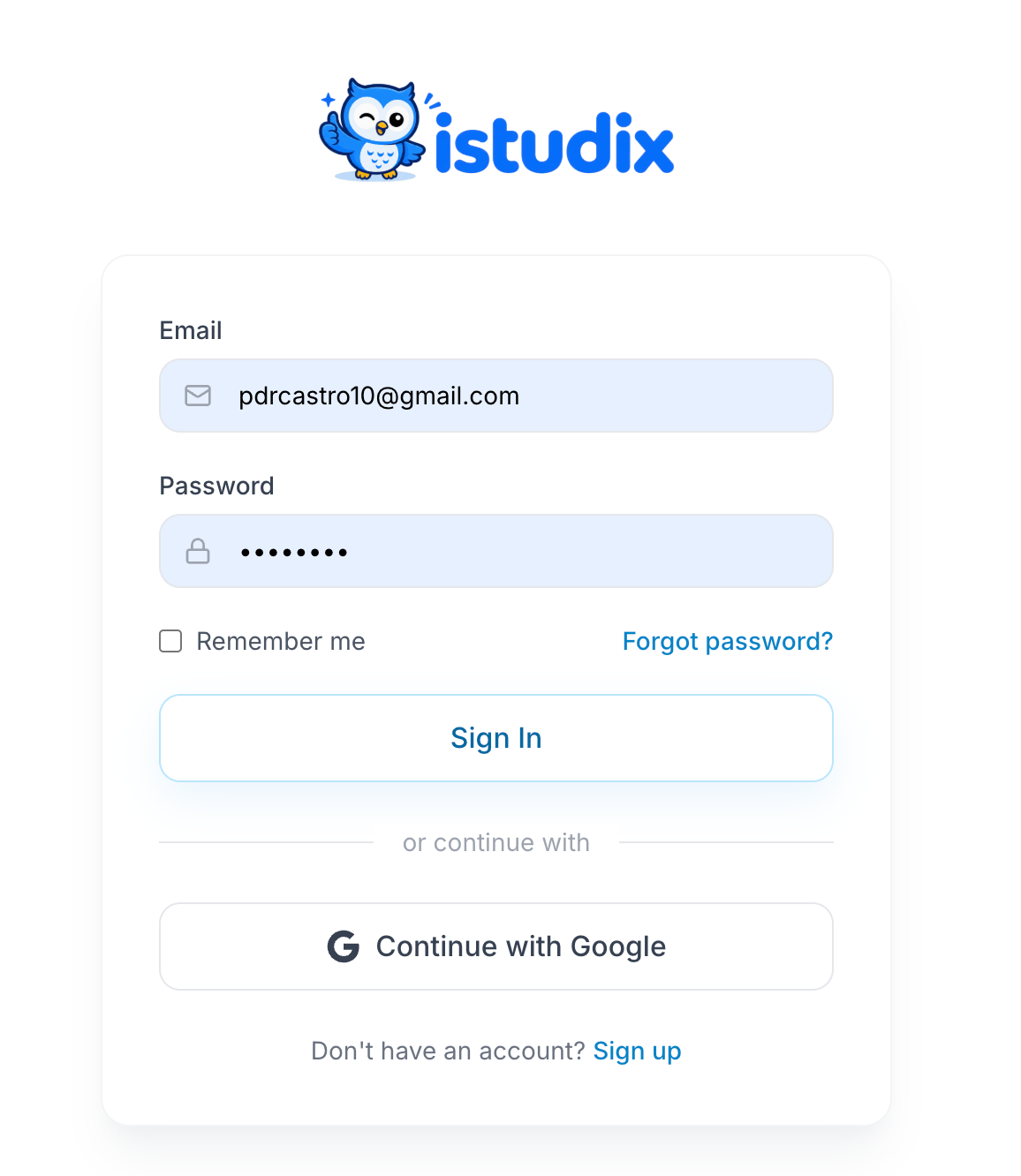
Sign in with email
1
Enter your credentials
Type your Email and Password.
2
Stay signed in (optional)
Check Remember me to stay signed in on this device. Leave it unchecked on shared computers.
3
Sign in
Click Sign In. You’ll land on your dashboard.
Sign in with Google
Click Continue with Google and choose your Google account.Forgot your password?
1
Request a reset
On the sign-in screen, click Forgot password? and enter your email.
2
Check your inbox
Open the email from iStudix and follow the link. Check your spam folder if it doesn’t arrive.
3
Choose a new password
Set a new password that meets the password requirements, then sign in.