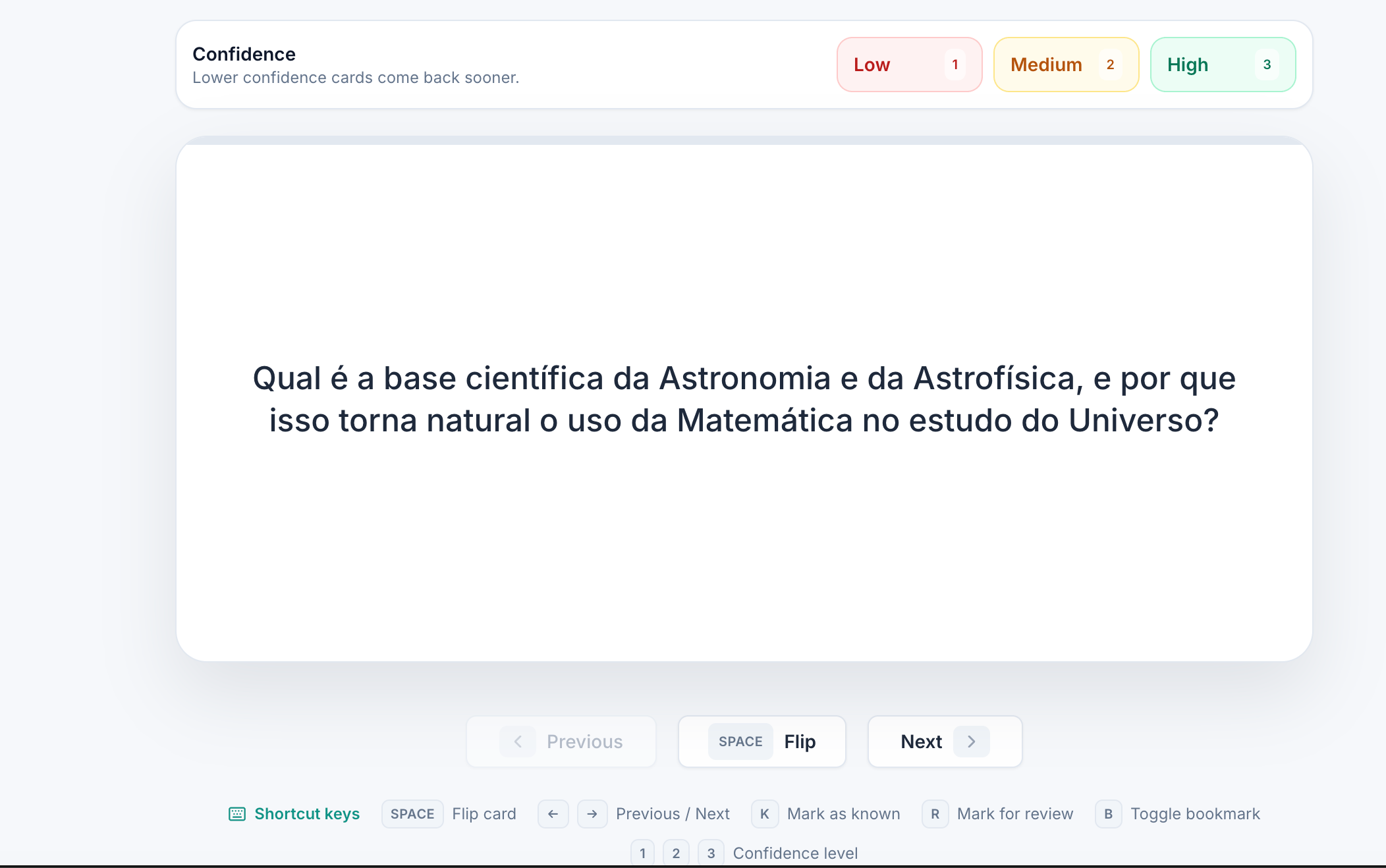
iStudix turns your uploaded study materials into flashcards automatically. As you study, rate your confidence on each card: lower confidence cards come back sooner, so you spend more time on what you don’t know yet.
iStudix flashcard study screen with Low, Medium, and High confidence buttons, Previous, Flip, and Next controls, and shortcut keys

Create flashcards

1

Open your material

Open a notebook that contains the material you want to study. If you haven’t added it yet, upload it first.
2

Generate flashcards

Choose Flashcards and let iStudix generate cards from your content.

Study your flashcards

1

Read the question

Try to recall the answer before you flip the card.
2

Flip the card

Click Flip (or press Space) to see the answer.
3

Rate your confidence

Choose Low, Medium, or High. Cards you rate lower come back sooner.
4

Move to the next card

Click Next to continue, or Previous to go back.

Keyboard shortcuts

Review flashcards a little every day. Short, frequent reviews help you remember more than one long session.