Create a quiz or exam
1
Open your material
Open a notebook with the materials you want to be tested on.
2
Choose Quiz or Exam
Select Quiz for a short check, or Exam for a longer practice test.
3
Generate
Let iStudix generate questions based on your content.
Take a quiz
Each quiz question has four options, A to D. Click the answer you think is correct. The bar at the top shows how far through the quiz you are.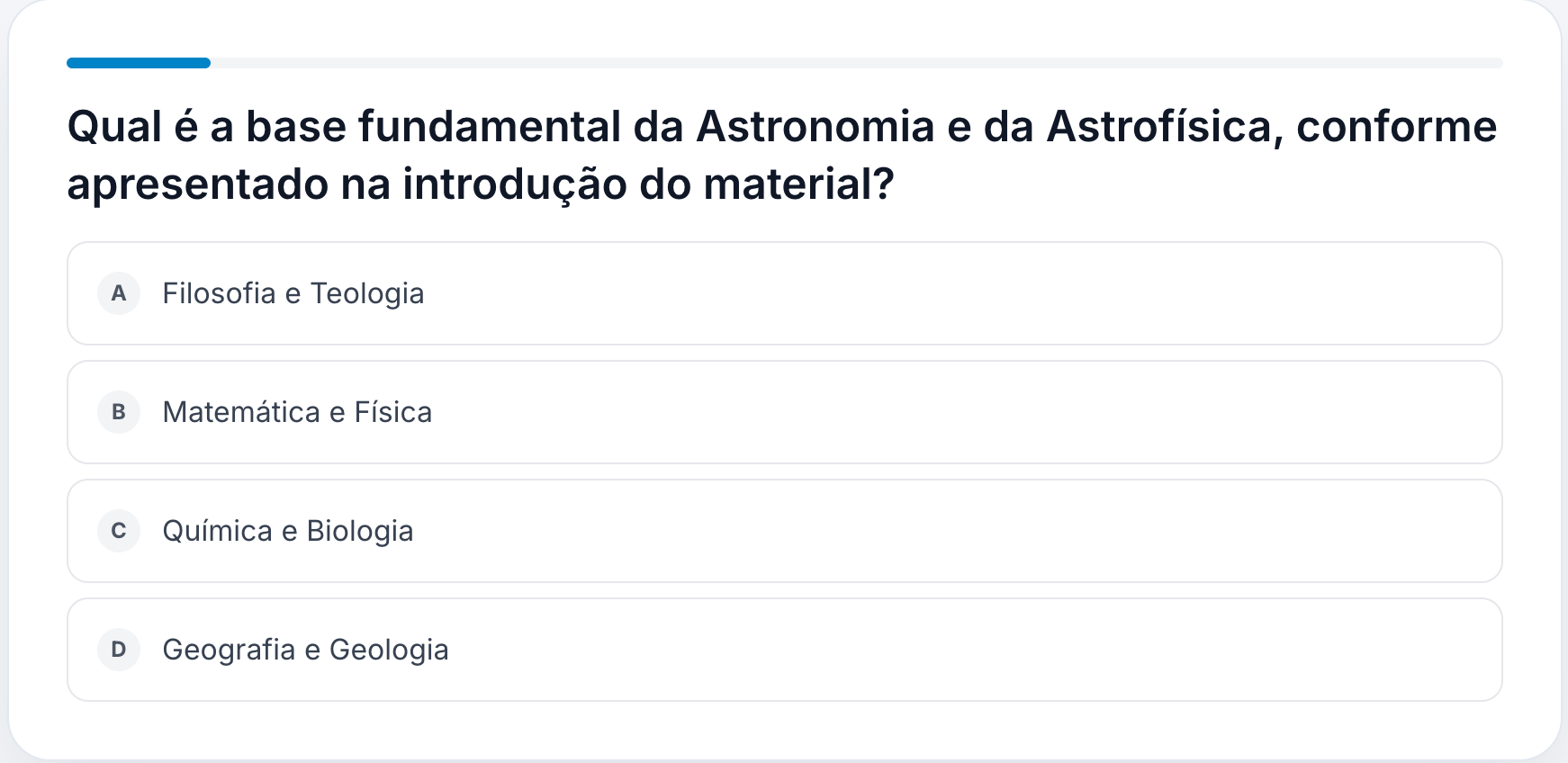
Take an exam
Exam questions show their type and point value above the question, for example Multiple choice · 2 points. The counter at the bottom shows how many questions you’ve answered, such as “0 of 20 answered”.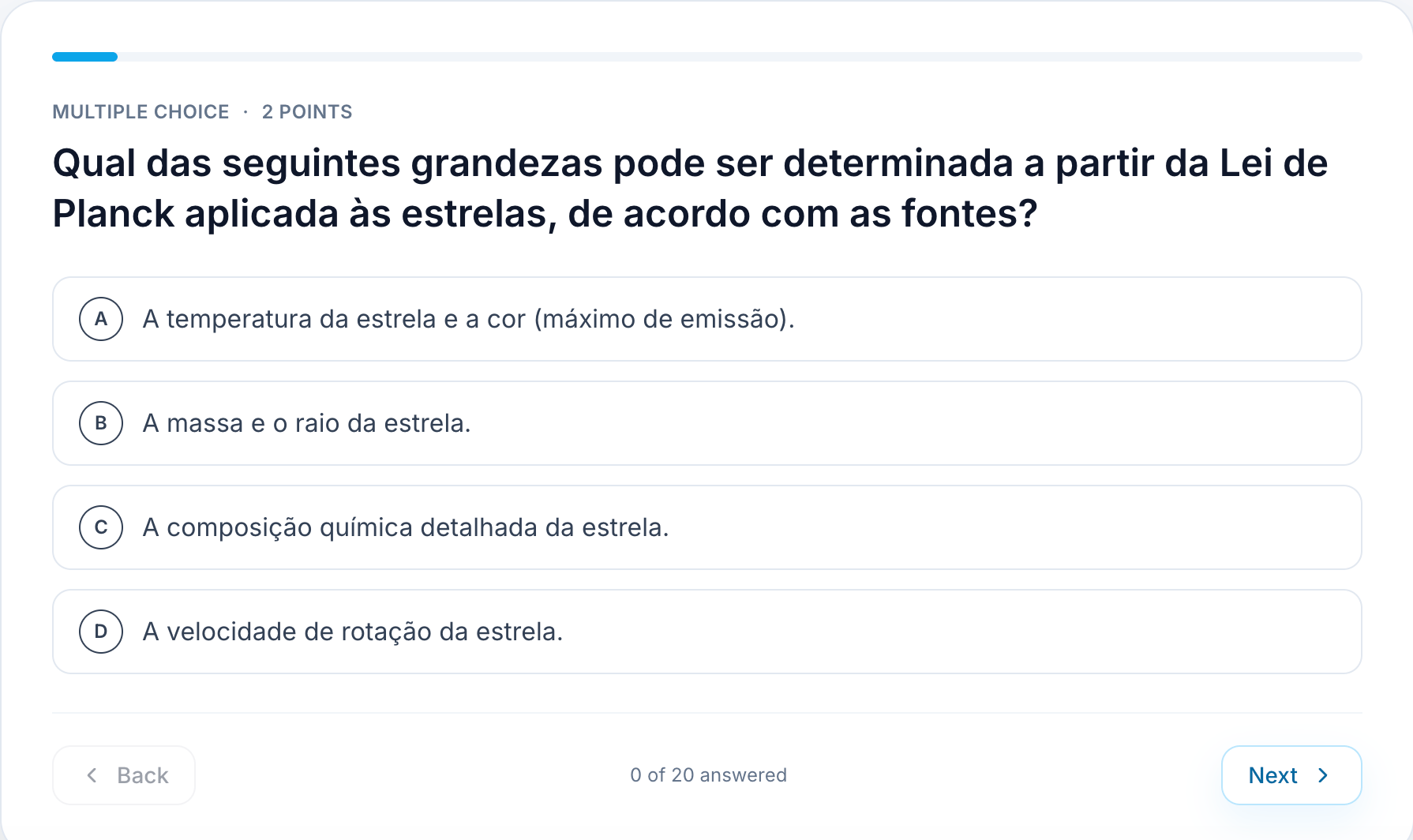
1
Answer the question
Select one of the options A to D.
2
Move between questions
Click Next to continue, or Back to review a previous question.
3
Finish and review
When you’ve answered every question, submit the exam and review your score and the questions you missed.
4
Study your weak spots
Go back to the related material or flashcards for the topics you missed.